Website Suddenly Down? Protect Your Online Business
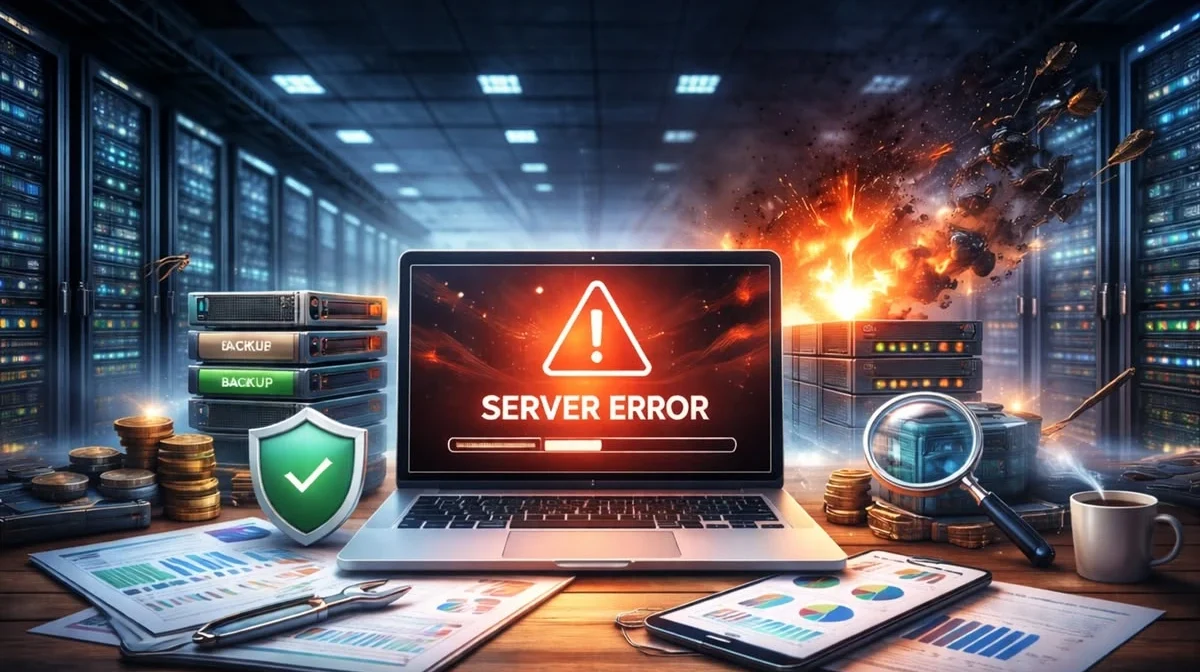
Imagine a customer visiting your website to explore your services or make a purchase, but your website suddenly stops working. This situation can affect your business reputation, customer trust, and potential sales. A website suddenly down can create serious problems, especially for businesses that depend on their online presence to attract customers.
Website downtime can happen for several reasons, including server problems, hosting issues, expired domains, software errors, security attacks, or unexpected technical failures. Understanding these problems and knowing how to fix them can help protect your online business.
At Dolphin Advertisers, we understand how important website performance and reliability are for business growth. In this guide, you will learn the common causes of website downtime, how to fix website errors, and how to prevent your website from going offline again.
What Does It Mean When Your Website Is Down?
A website is considered down when visitors cannot access its pages or use its important features. Sometimes, the entire website becomes unavailable, while in other situations, only specific pages or services stop working.
Visitors may see error messages such as:
- 500 Internal Server Error
- 502 Bad Gateway
- 503 Service Unavailable
- 504 Gateway Timeout
- DNS Server Not Found
- This Site Can’t Be Reached
These errors can prevent customers from accessing your business information, products, and services. Therefore, identifying the cause of website downtime is essential for restoring normal functionality.
Common Reasons Why a Website Suddenly Goes Down
Understanding the causes of website downtime can help you take the right steps to protect your online business.
1. Web Hosting Server Problems
One of the most common reasons for website downtime is a hosting server issue. If your hosting provider experiences technical problems, server overload, or maintenance interruptions, your website may become temporarily unavailable.
Choosing reliable web hosting services with good uptime performance can reduce the risk of unexpected downtime.
2. Domain Expiration or DNS Problems
Your domain name connects visitors to your website. If your domain expires or DNS settings are incorrect, visitors may not be able to access your website.
Always monitor your domain registration and renew it before the expiration date. Proper DNS configuration is also important for maintaining website connectivity.
3. Plugin or Software Errors
Outdated plugins, incompatible themes, and software updates can sometimes cause website errors.
For example, a newly installed plugin may conflict with another website feature, resulting in a broken page or complete website failure.
Regular website maintenance and software updates help reduce these technical problems.
4. Security Attacks and Malware
Cyberattacks, malicious scripts, and malware infections can affect website performance and availability.
A compromised website may display suspicious content, redirect visitors, or become inaccessible.
Website security monitoring, malware scanning, regular backups, and security updates are important for protecting your business website.
5. Website Traffic Overload
A sudden increase in website visitors can put pressure on your hosting server. If your server resources are insufficient, your website may load slowly or become unavailable.
Businesses should choose hosting solutions that can handle their expected website traffic and allow resources to scale when needed.
What Should You Do When Your Website Suddenly Goes Down?
If your website stops working, don’t panic. Follow these steps to identify and resolve the problem.
Step 1: Check Your Website From Different Devices
Open your website on another browser, mobile phone, or internet connection. This helps determine whether the problem is affecting everyone or only your device.
Step 2: Check Your Hosting Account
Log in to your hosting control panel and check server status, resource usage, and any maintenance notifications.
Step 3: Check Your Domain and DNS Settings
Make sure your domain registration is active and your DNS records are correctly configured.
Step 4: Review Recent Website Changes
If your website stopped working after installing a plugin, changing a theme, or updating software, investigate whether the recent change caused the problem.
Step 5: Restore a Recent Backup if Necessary
If a technical issue or security problem has damaged your website, a clean and verified backup may help restore its previous working condition. Always investigate the underlying issue before restoring.
Step 6: Contact Professional Website Support
If you cannot identify the issue, contact your hosting provider or a professional website maintenance team to diagnose and fix the problem.
How Website Downtime Affects Your Business and SEO
Website downtime is not just a technical problem. It can also affect your business performance and search engine visibility.
Some major consequences include:
- Lost Customers: Visitors may leave if your website is unavailable.
- Reduced Sales: An inaccessible website can interrupt online orders and business inquiries.
- Damaged Reputation: Customers may lose confidence in a business with frequent website problems.
- SEO Performance Issues: Extended or repeated downtime can affect search engine crawling and indexing.
- Poor User Experience: Visitors may choose competitors if they cannot access your website.
That is why website uptime monitoring and regular technical maintenance are important for protecting your online business.
How to Prevent Website Downtime in the Future
Preventing website downtime is better than dealing with unexpected technical failures. Follow these important practices:
- Choose reliable web hosting with suitable server resources.
- Enable automatic domain renewal.
- Monitor website uptime regularly.
- Create frequent website backups.
- Keep WordPress, plugins, and themes updated.
- Install appropriate website security protection.
- Fix technical errors as soon as possible.
- Optimize website speed and performance.
- Use SSL certificates to secure website connections.
Regular website maintenance helps identify potential problems before they become serious issues.
Protect Your Online Business with Dolphin Advertisers
Your website works as your digital business identity. If it suddenly goes offline, you may lose valuable visitors, customer inquiries, and business opportunities.
Dolphin Advertisers provides professional digital solutions, including website design and development, website improvements, and digital marketing services to help businesses build and maintain a strong online presence.
Whether you need website updates, technical improvements, performance optimization, or a modern business website, having the right digital support can help keep your online presence running smoothly. Don’t wait for unexpected website problems to affect your business. Take website maintenance and security seriously to protect your digital investment.